Free
$0to try the tool
- 3 Auto Edit runs a month
- 9:16 crop and lime captions
- Export in your browser
 Clipping
Auto editor for clippers
Auto Edit finds the loudest, most energetic moments, reframes them to 9:16, stamps on captions, and exports files you can drop on TikTok, Reels, and Shorts. Three free runs a month, then pick a volume plan.
Processing stays in your browser. The VOD never uploads to our servers.
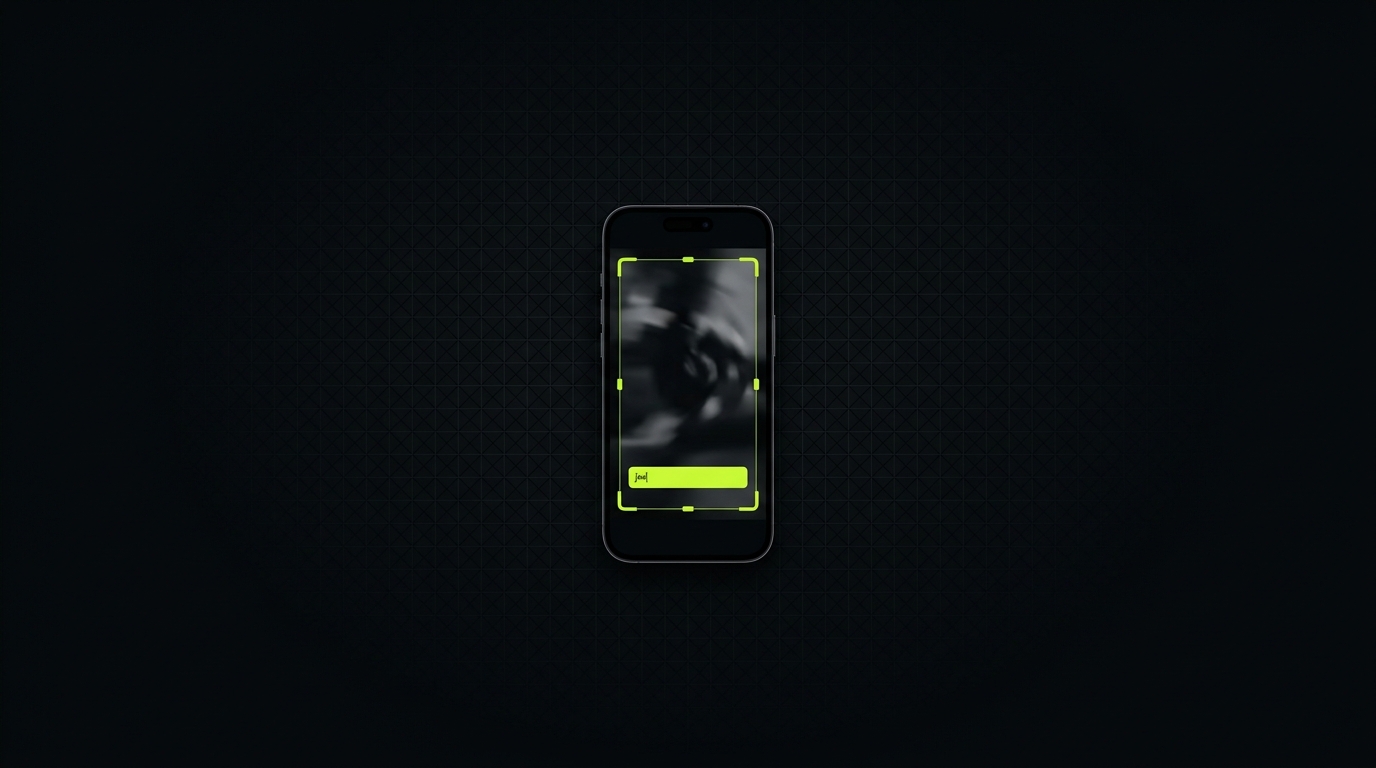
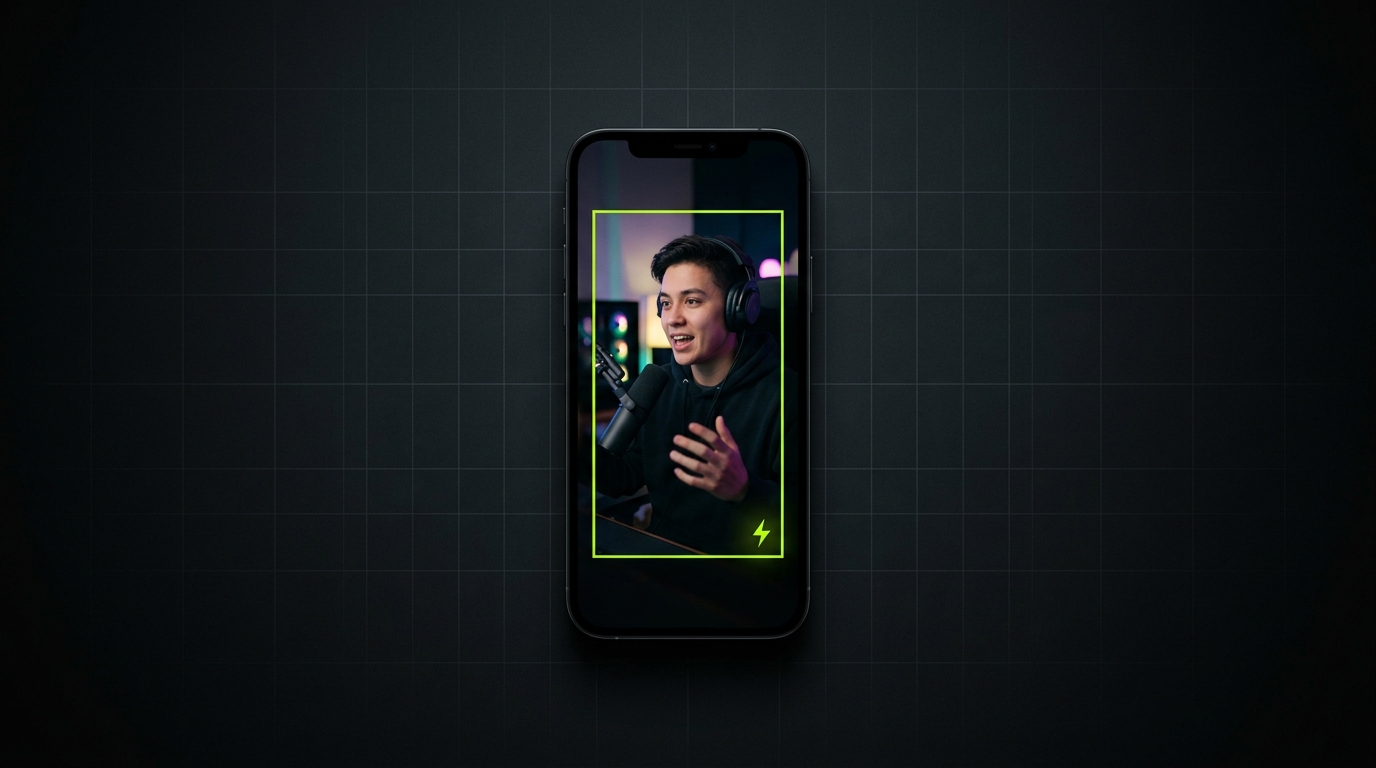
Most clipping Whops send you campaigns. This one cuts the video.
MP4, MOV, or WebM from a stream, podcast, or YouTube download.
Clipping reads the audio, scores energy, and cuts 12–45 second windows around the peaks.
Every suggestion is already 9:16. Write the line, keep or skip the clip.
Download each clip as WebM, ready for TikTok, Reels, or Shorts.
Start on Free. Move to Starter when 3 runs is not enough. Pro is for people posting every day.
$0to try the tool
$15per month
Most volume
$35per month
Cancel from your Whop membership page whenever you want.
Video files on your computer: MP4, MOV, and WebM. Download the VOD first, then drop it in. YouTube or Twitch links are not pulled from the internet.
It measures audio energy across the file, then keeps the loudest, most varied stretches. Laughs, reactions, and spikes in talking rank higher than silence. You still choose which clips to keep.
Free is 3 Auto Edit runs a month. Starter is $15/month for up to 30 exported clips. Pro is $35/month for unlimited runs, finer scoring, and extra caption styles.
Not yet. Auto Edit cuts on energy. You write the caption so the line matches the moment you are posting.
It stays on your machine. Analysis and export run in the browser. We do not store the file.